How to Make a Product Catalog for WhatsApp (Step-by-Step for Wholesalers)
20 October 2026 · 6 min read
A simple guide for wholesalers to create a WhatsApp product catalog with photos, MOQ and bulk prices, and receive orders without sending 50 photos.
Why sending photos one by one is costing you orders
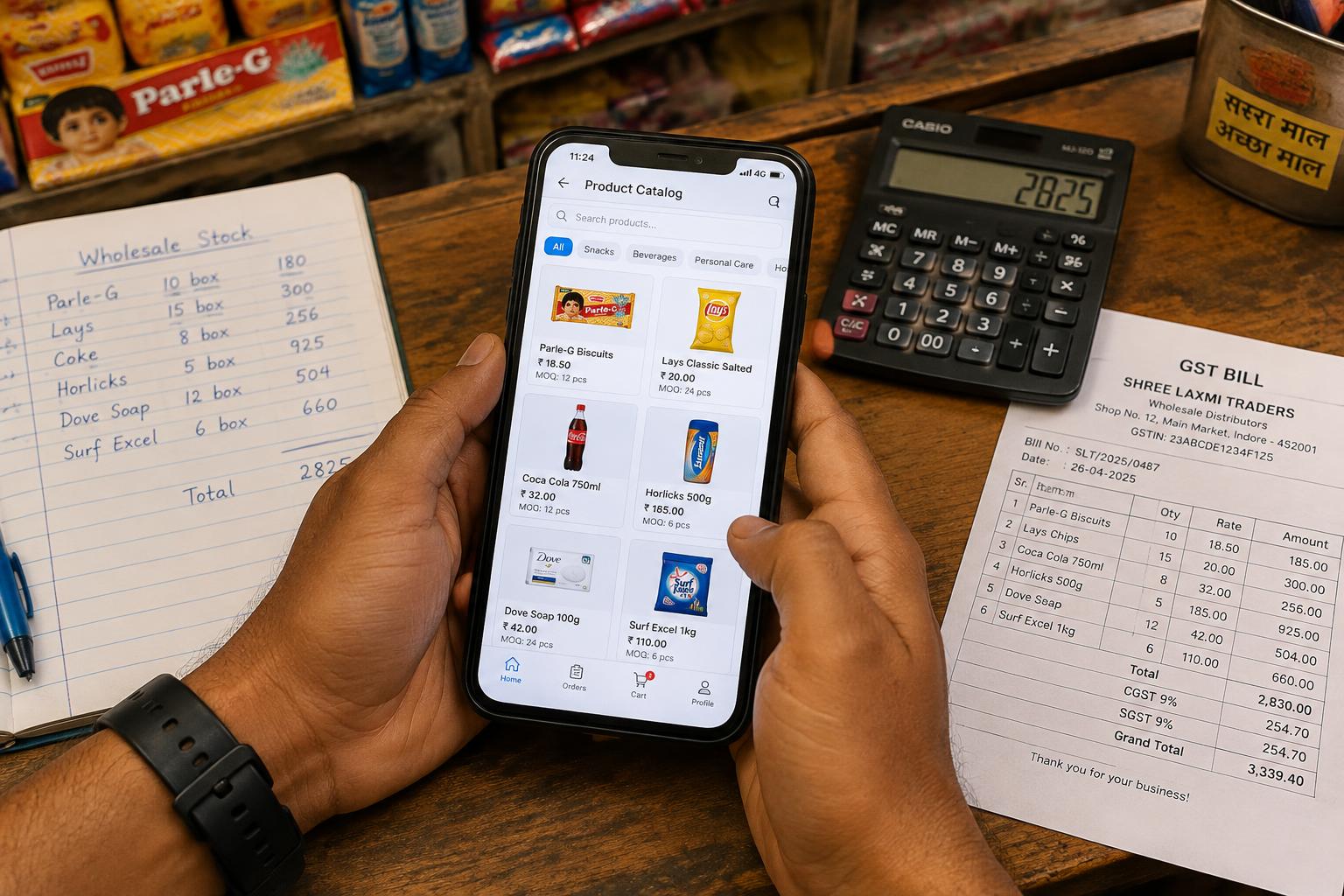
Most wholesale sellers still forward 30–50 photos to every new buyer, then type the rate of each item separately. The buyer scrolls, loses track, and asks again: 'Bhai, iska rate kya hai?'. Every repeated question is a delay, and delays lose orders.
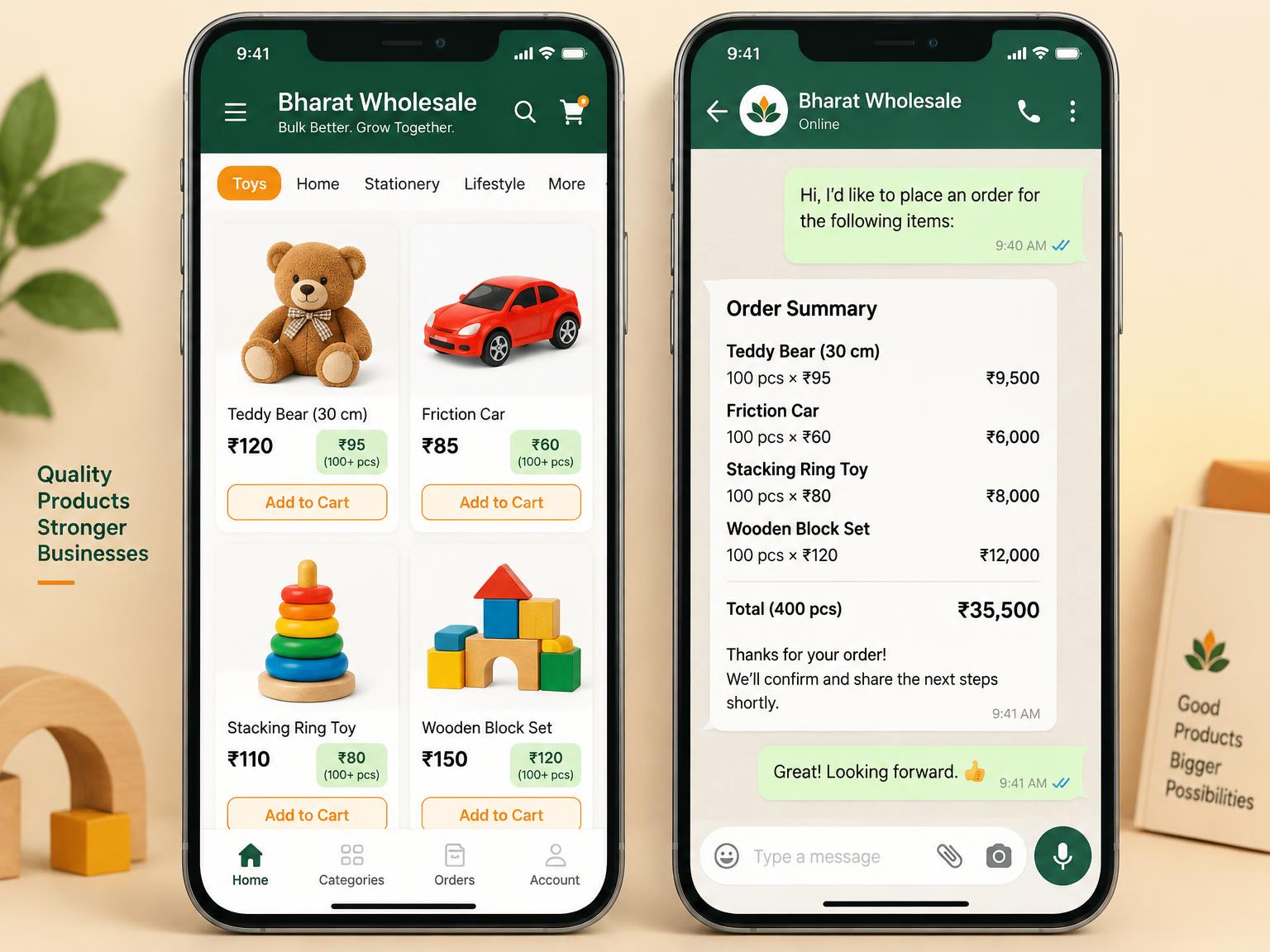
A catalog link fixes this. One link shows every product with its photo, price, minimum quantity and bulk rate. The buyer picks what they want and sends a clean order back on WhatsApp.
Step 1: Decide your categories
Group products the way your buyers think — for example Soft Toys, Remote Cars, Board Games. Keep 5–12 categories. Too many categories make the catalog feel confusing on a phone.
Step 2: Add products with clear photos and prices
For every product add:
- 2–5 clear photos on a plain background, and a short video if the item moves or lights up
- The per-piece price and the minimum order quantity (MOQ)
- Bulk rates — for example ₹95 for 100+ pieces instead of ₹120
- Carton size if you only sell full cartons, so the buyer sees exactly how many pieces arrive
- HSN code and GST rate so the bill is correct from the start
Step 3: Share one link everywhere
Put your catalog link in your WhatsApp status, your business profile, your visiting card and on your shop board as a QR code. Old buyers reorder from the same link; new buyers find everything without calling.
Step 4: Receive orders that are already calculated
With OrdersKaro, the buyer's cart applies MOQ, bulk prices, GST and round-off automatically. You receive a neat order message on WhatsApp with item names, quantities and the final total — ready to pack.