


Pull-back race car
₹120 / pc
Min 20 pcs
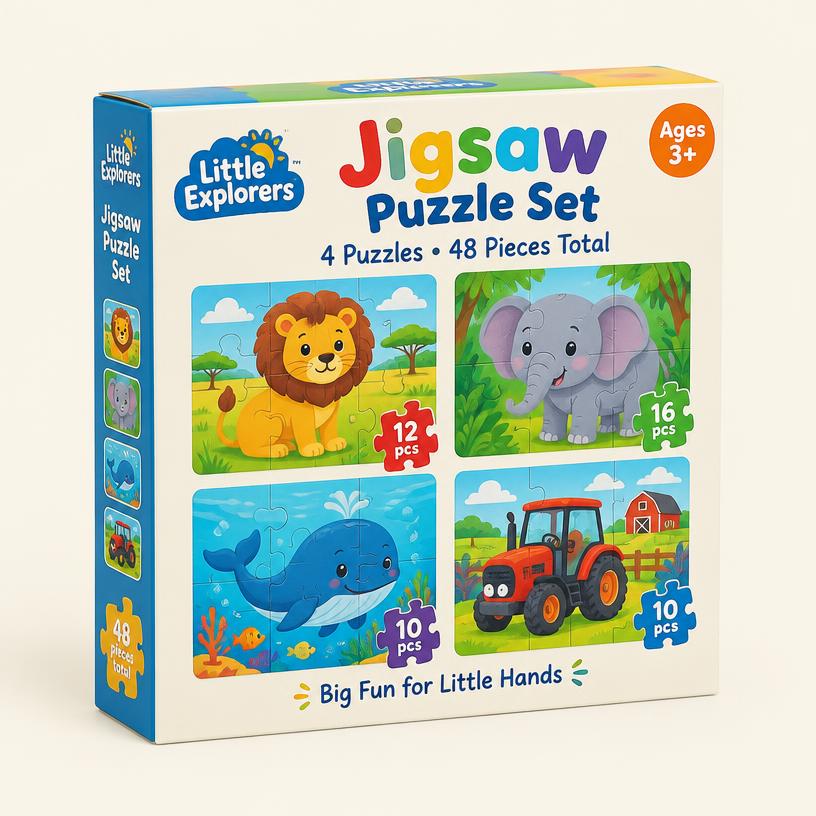
Jigsaw puzzle set
₹100 / pc
Min 12 pcs
The buyer’s view on a phone
OrdersKaro · Sample preview
Download your OrdersKaro catalogue PDF, save or share it from your phone, and help buyers return to the live catalogue for current prices and ordering.
Real-life example
A buyer who wants a file
A retailer says, "PDF bhej do, dukaan pe sabko dikhana hai." You send the PDF and the live link together.
- 1PDF: to keep, print or forward
- 2Live link: current rates and placing the order
- 3After a rate change, make a fresh PDF
Quick answer
The short answer
Open the catalogue link, tap Download PDF, wait until it is ready, then tap Save PDF. Your phone shows either a share sheet or a normal download.
Send the live catalogue link with the PDF, so buyers can check current rates and place the order.
Hinglish mein
"PDF dekh lo, par order aur latest rate ke liye link use karna."Prepare the catalogue before exporting
The PDF is made from the published catalogue your buyers see. Check products, photos, rates, MOQ, cartons, GST and slabs first (the checklist above). If no products are available, Download PDF stays switched off.
Download the PDF step by step
The file is named after your store link, for example sample-store-catalog.pdf. Your phone or browser decides where it is saved and which apps it offers.
Progress shows while products and photos prepare. When it's ready, check the product count, page count and file size before saving, then open the saved file once before forwarding.
On the catalogue page
- 01
Download PDF
Window opens
- 02
Wait
Products and photos prepare
- 03
Check
Product count, pages, size
- 04
Save PDF
Share sheet or download
What the exported catalogue includes
The PDF lists active products by category, with the store name, WhatsApp number, export date and a link to the online catalogue. Each product shows its name, description, photo and rate at the minimum quantity.
Where set, it also shows minimum and maximum quantities, carton size and full-carton rule, GST, HSN code, options and slabs. Purchase price and stock are never included.
For products with sizes or colours that have their own rules, send buyers to the live product page for the exact rate. If your catalogue has complex assortments, check one sample PDF before sending it widely.
If photos or the download are missing
- Some photos didn't load: the window shows how many. All products and rates are still included — tap Retry photos.
- Preparation error: check your internet, then tap Try again.
- Save error: tap Save PDF again.
- Closed the share menu by mistake: you return to the ready file; tap Save PDF again.
Keep the live link with the file
A PDF is a snapshot. After changing products or rates, make a fresh copy before sending it again.
Buyers choose quantities in the live catalogue and place the order on OrdersKaro; then they can share a short order link with you on WhatsApp. Planning rates on paper first? The free price list template is a blank printable PDF.