
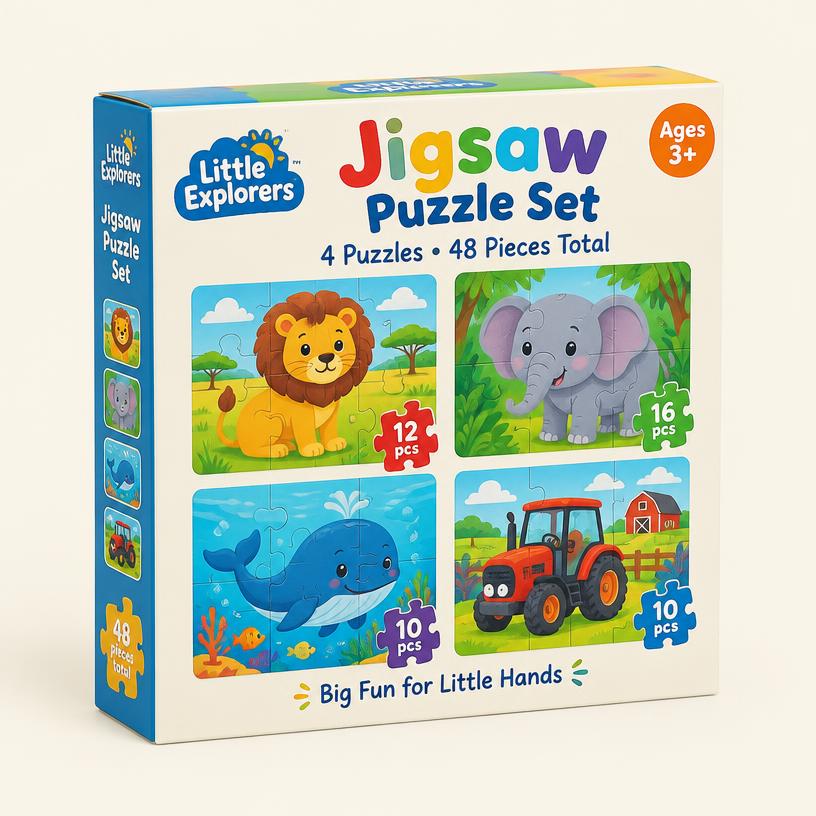
Jigsaw puzzle set
₹100/pc · MOQ 12
12+ @ ₹10024+ @ ₹9048+ @ ₹80
12
Product catalog maker
Create a shareable wholesale catalogue with up to 50 products on the Free plan. Set minimum quantities and bulk prices, then share your catalogue link on WhatsApp.
Sharma Toys & Gifts
Sadar Bazaar, Delhi · Wholesale only
Jigsaw puzzle set
₹100/pc · MOQ 12
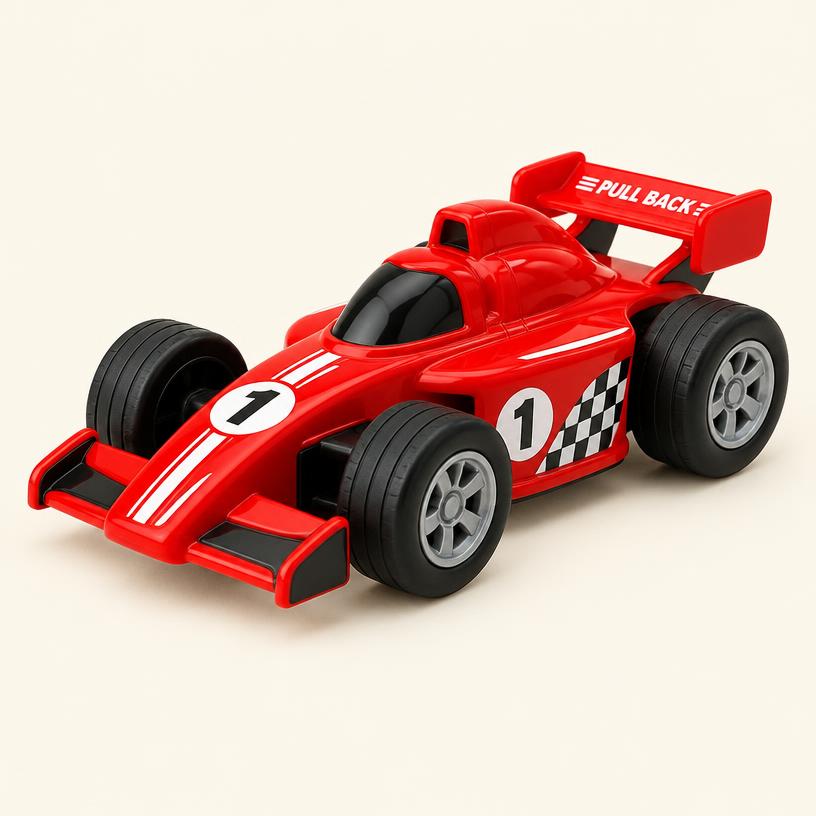
Pull-back race car
₹120/pc · MOQ 20
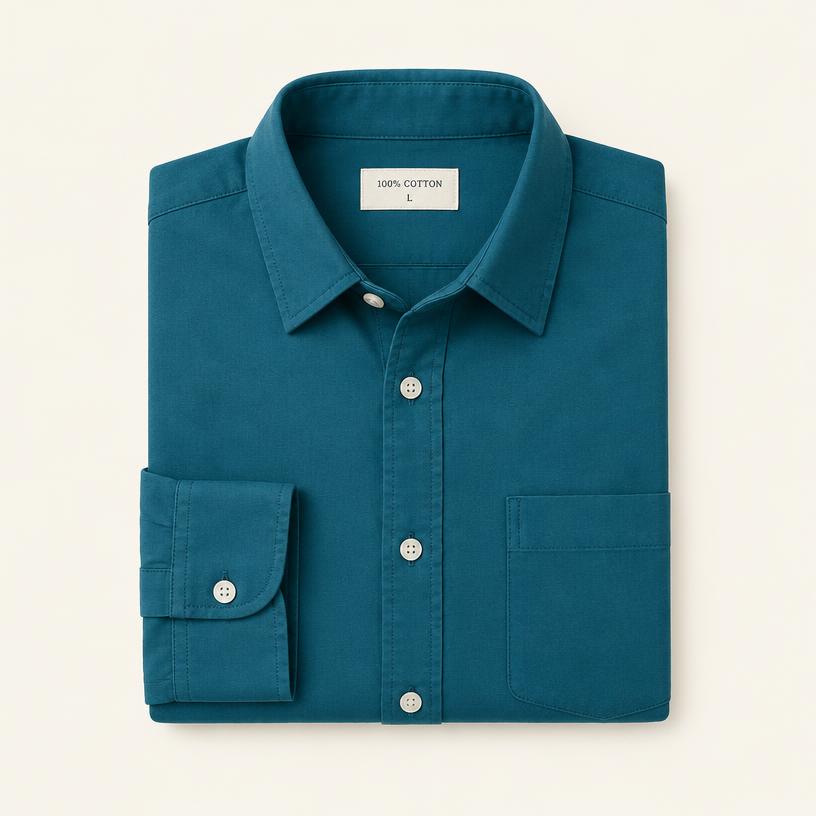
Cotton shirt
₹115/pc · MOQ 30
Sample catalog · prices before GST. Try it without placing an order.
Six steps, all from your phone.
1Sign in
Choose Create your catalog and sign in with Google or your mobile number.
2Create a store
Select New store in the seller dashboard and add your shop name and WhatsApp number.
3Add products
Use Add product for name, photos, selling unit and base price. Group products in categories.
4Set minimums and bulk rates
Enter the minimum order quantity and add bulk price tiers where the rate drops at higher quantities.
5Share your link on WhatsApp
Open your catalog link on a phone to check it, then paste the link into any WhatsApp chat.
6Buyers order, you review
Buyers place the order on your catalog and can share its link with you on WhatsApp. Review it in your dashboard.
Three ways to set up your wholesale catalog.
A shirt listed once with S, M, L and XL options. Buyers enter a quantity for each size, and by default the sizes count together toward your minimum and bulk rate.
Variants and carton orders guideSet pieces per carton and turn on full-carton selling: buyers order in full cartons only, so you never receive an order for a loose half box.
Variants and carton orders guideSet a minimum order quantity and lower per-piece rates for bigger orders. Buyers see the rate change as they raise the quantity.
MOQ and bulk pricing explainedA static PDF product list shows information but does not provide OrdersKaro's live buyer cart and ordering flow. An online catalogue lets buyers pick quantities, see bulk rates apply and place an order that is saved in your dashboard. Buyers who still want a file can use Download PDF on your catalogue. OrdersKaro does not turn a PDF you upload into a catalogue; you add products in the dashboard.
Where you need them, add size or colour options so buyers choose quantities for each one. For carton-only products, set the pieces per carton and buyers order in full cartons. Products without these settings stay simple.
Buyers can use Download PDF on your catalog to save the full catalog with product photos, prices and wholesale quantity information. The PDF is created from your live catalog, so it stays in step with your products.
The Free plan allows up to 50 products and three photos or videos per product. See current plans and limits.
OrdersKaro is a hosted catalog with a buyer view and ordering. You add products in the seller dashboard; it does not turn an uploaded PDF into a catalog or import one automatically, and it does not sync with the catalog inside the WhatsApp Business app.
Read the step-by-step guide to making a wholesale catalog for WhatsApp, or see how buyers order with the WhatsApp order form. Prefer paper first? Download the free wholesale price list template.
Create your catalogStart free. Add products, share one catalog link, and let buyers place orders they can share on WhatsApp.