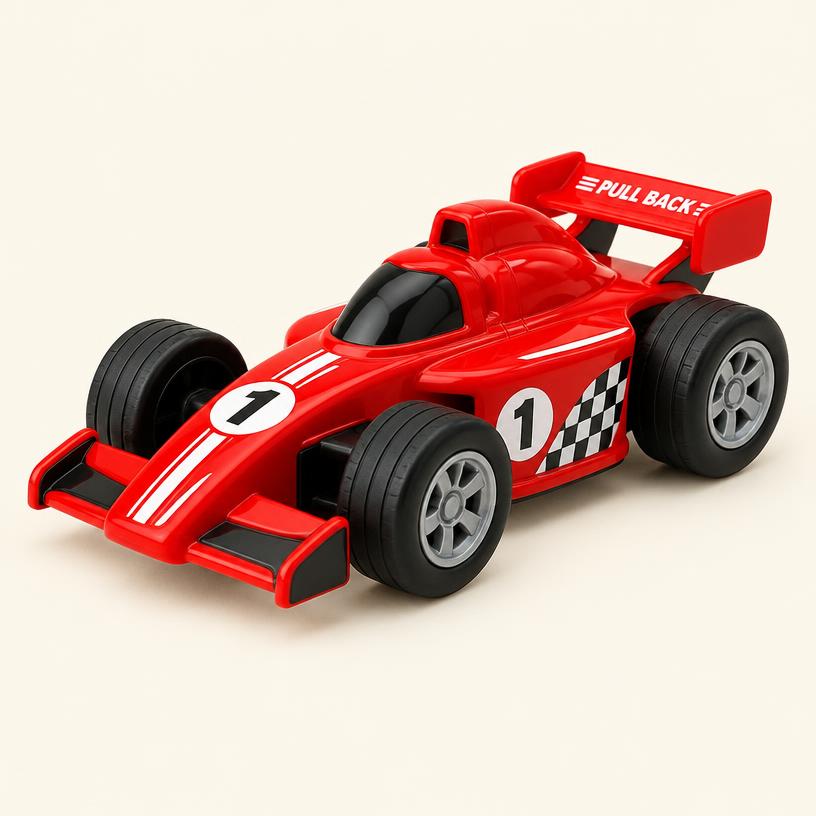
Pull-back race car
₹120 / pc
Min 20 pcs
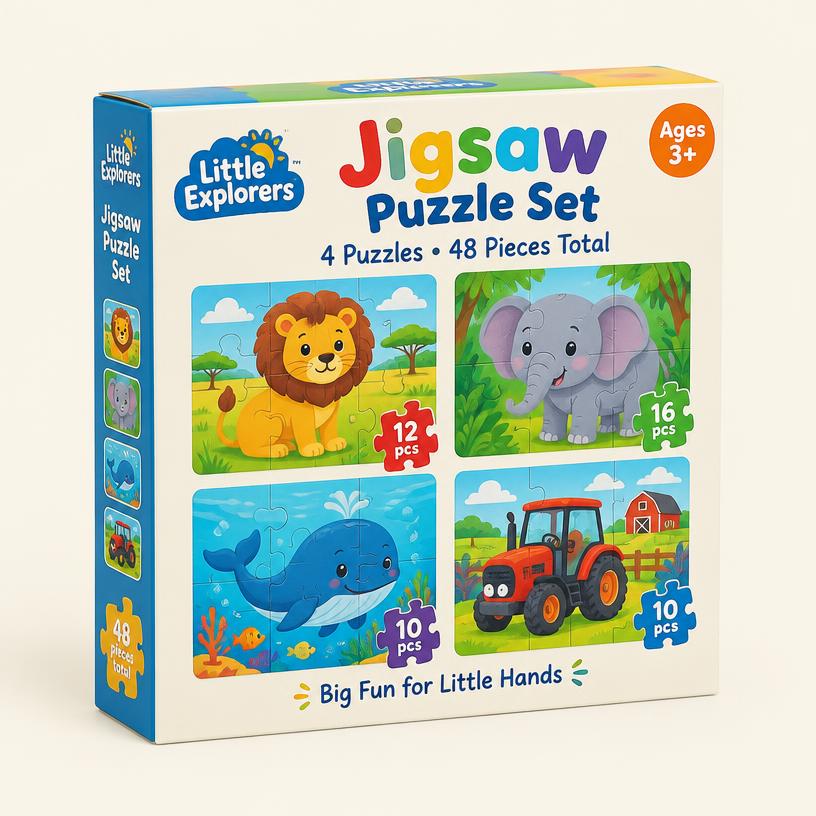
Jigsaw puzzle set
₹100 / pc
Min 12 pcs
The buyer’s view on a phone
OrdersKaro · Sample preview
Check stock, pending deliveries, lead time and pack rules before a repeat purchase. Use a worked reorder-trigger example and a reusable retailer worksheet.
Real-life example
Notebooks running low
A stationery shop has 40 A5 notebooks. It sells about 8 a day, delivery takes 4 days, and the owner keeps 12 extra.
- 1Trigger: 8 × 4 + 12 = 44 pieces
- 240 is below 44 → review a purchase now
- 344 is when to review, not how many to buy
Quick answer
Quick answer
Before a repeat purchase, count the exact item, check what is already promised or on the way, and check how long a new delivery takes. For an item that sells steadily, a simple reorder trigger is: average daily sales × delivery days + a buffer you choose. The trigger tells you when to review a purchase. It does not tell you how many pieces to buy.
Hinglish mein
"Stock 44 se neeche gaya toh order check karo — kitna mangana hai woh alag decide karo."A repeat-order check you can use today
Go through these nine checks for each item before you send a repeat order.
- 1. Name the exact item: code, size, colour and selling unit. Blue M and blue L are separate rows. Keep pieces, pairs, sets and cartons separate.
- 2. Count saleable stock on the shelf and in the back room. Write damaged or expired pieces separately, and don't subtract them twice.
- 3. Note pieces already promised to customers but not handed over. They are not available for a new customer.
- 4. Note purchases already placed: quantity, supplier confirmation, expected date. Stock in transit is not stock on the shelf — and don't order it twice.
- 5. Use a clear sales window with dates. Note closed days, offers and days the item was out. For a new item, write "demand not known yet" instead of guessing an average.
- 6. Count the full delivery time: supplier packing, dispatch, transport and receiving. Use the same kind of days as your sales average.
- 7. Write your buffer and why. A buffer covers uncertainty; it is not a guarantee.
- 8. Check buying limits before choosing a quantity: MOQ, pack size, shelf space, shelf life, budget and agreed rates. A cheaper slab is not always the better buy.
- 9. Write one next action with a date and a name: recount, follow up a delivery, ask for a quote, or approve a quantity.
Worked sample: 44 pieces is a trigger, not the order quantity
Sample item: one A5 notebook design, counted and sold by the piece. The figures in the table are planning assumptions, not a real shop's result.
40 pieces is below the 44-piece trigger, so review a purchase now. This does not mean "buy 44". Decide the quantity separately after checking pack sizes, incoming stock and your limits.
If delivery takes six days, the trigger becomes 8 × 6 + 12 = 60 pieces. If sales rise to ten a day with four delivery days, it becomes 10 × 4 + 12 = 52 pieces. That is why yesterday's trigger may need updating.
Try your own reorder trigger
8 × 4 + 12 = 44 pieces
Below the trigger — review a purchase now.
The trigger says when to review, not how many to buy. Nothing you type is saved.
| Input | Sample | What it means |
|---|---|---|
| Sales observed over 14 calendar days | 112 pieces | Assume no closures, promotion or stockout in this sample |
| Average daily sales | 112 ÷ 14 = 8 pieces/day | Same item and unit throughout |
| Confirmed full lead time | 4 calendar days | From ordering to saleable receipt |
| Expected sales during lead time | 8 × 4 = 32 pieces | A simple steady-demand estimate |
| Chosen buffer | 12 pieces | Sample assumption; not an optimised safety-stock calculation |
| Review trigger | 32 + 12 = 44 pieces | A prompt to review the next purchase |
| Saleable stock counted now | 40 pieces | No commitments or open purchases in this first scenario |
Two checks before sending a repeat order
An order is already coming: say 24 pieces are due in two days. 40 on hand + 24 coming is not 64 pieces available today. Confirm the delivery first; an unsure delivery needs a follow-up call, not a second order.
Some stock is promised: if 8 of the 40 pieces are kept for a customer collecting today, only 40 − 8 = 32 are free. Count those 8 once. The final purchase decision stays with the shopkeeper; this sheet does not calculate an order quantity.
Copy or print this worksheet
Copy the table, print this page, or download the same blank worksheet as a plain text file. Nothing you write here is collected or saved.
Use one copy per item/variant. Blank means unknown; write 0 only after checking that the quantity is actually zero. Keep customer names and phone numbers out of a shared copy.
Download blank worksheet (.txt)| Check | Your entry |
|---|---|
| Review date and time / reviewed by | ____________________ |
| Item code, description, size/colour | ____________________ |
| Counting unit / confirmed pack conversion | ____________________ |
| Saleable physical count / count time | ____________________ |
| Unsaleable units excluded from that count / reason | ____________________ |
| Units promised but not handed over / due dates | ____________________ |
| Saleable count less promised units | ____________________ |
| Purchases outstanding / confirmed arrival dates | ____________________ |
| Sales window: start date to end date | ____________________ |
| Units sold / number of days on the stated basis | ____________________ |
| Closures, promotions, stockouts or unusual demand | ____________________ |
| Average units per day, if usable | ____________________ |
| Full lead time / day basis / evidence checked | ____________________ |
| Chosen buffer units / reason | ____________________ |
| Starting trigger: average × lead time + buffer | ____________________ |
| Review frequency / next review date | ____________________ |
| MOQ / pack multiple / supplier confirmation | ____________________ |
| Space, usable shelf life and purchasing constraints | ____________________ |
| Next action / responsible person / due date | ____________________ |
| Proposed purchase quantity, chosen separately / reason | ____________________ |
Record incoming deliveries and customer commitments by date if there is more than one. A total without dates can hide a shortage before the next receipt. Keep a separate row for each variant and location; a surplus in one size does not fill a shortage in another.
When the simple calculation is not enough
The trigger works only if you notice it in time. If you check stock once a week, you can miss the moment stock runs low — pick a review routine that suits the item.
For seasonal, irregular or new items, or unreliable suppliers, an average can mislead. Look at real dated sales and delivery history. Zero sales does not prove no stock is needed; the item may simply have been out. If a number is missing, write "check needed" instead of guessing. A fixed buffer is not a full stock-planning model.
Useful next steps
- Confirm the buying unit and pack rules with the carton buyer checklist.
- Understand seller minimums with the MOQ and bulk-price guide.
- Ready to write the purchase down? Use the free purchase order template (Excel) with a worked sample.
- If you supply other shops, use the existing rate-list PDF and Excel template to communicate agreed item codes, units and rates.
- If your next job is taking written orders from customers who know your shop, explore local-shop ordering. This manual reorder worksheet does not connect to OrdersKaro or update stock, create purchases or send messages.
Sources checked on 24 November 2026, IST
- Shopify India — Reorder point formula — supports the starting formula, lead-time/buffer concepts and the need to revisit assumptions. The notebook figures and worksheet here are original.
- Zoho Inventory — Item details, physical stock definitions — distinguishes stock on hand, committed stock and remaining uncommitted quantity. No Zoho or OrdersKaro integration is implied.